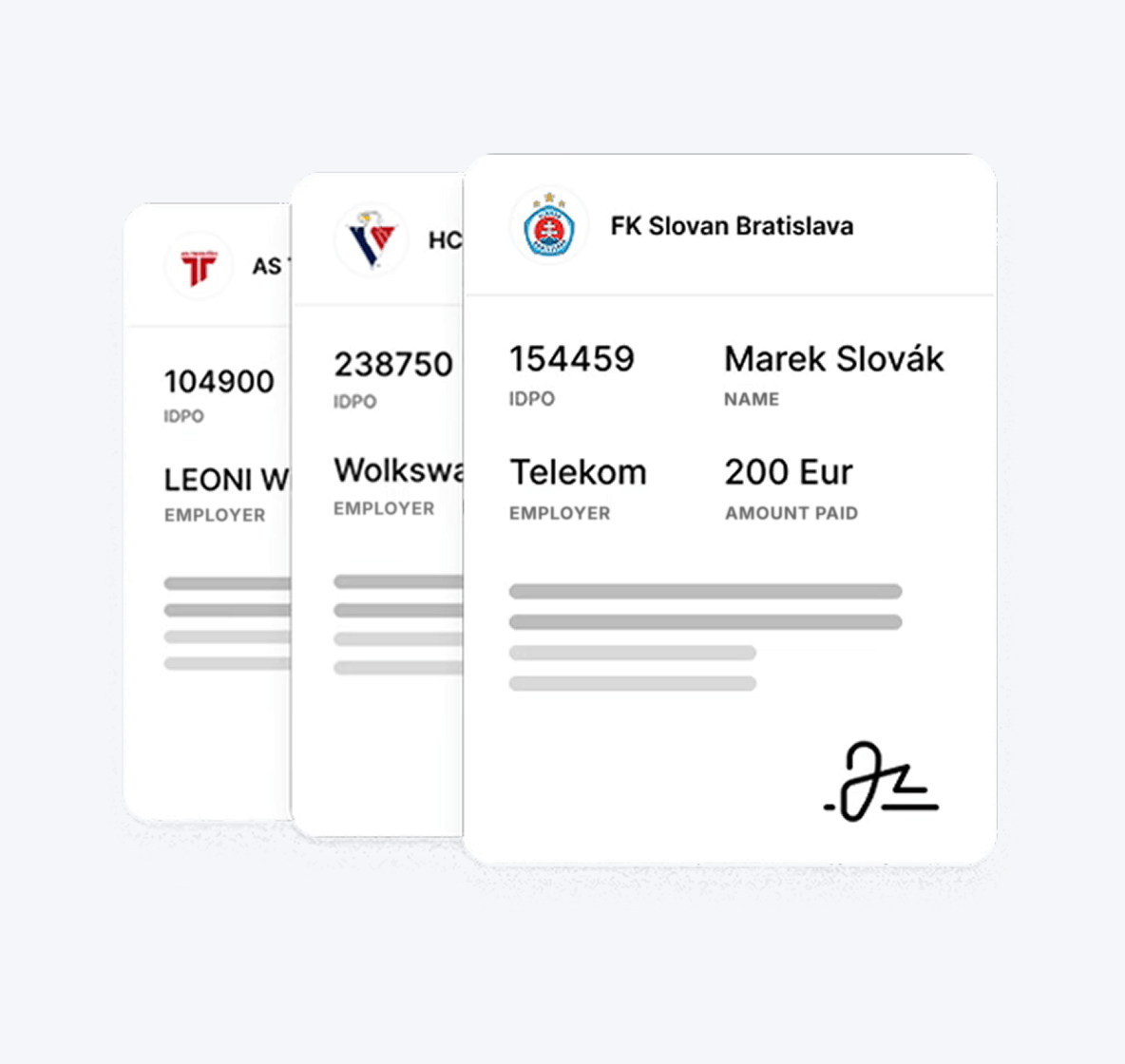
Handle the sports contribution without stress!

A typical sports club in Slovakia has approximately 150 children. From 1 January 2025, 150 parents can come to the club manager every month and ask for a confirmation of paid contributions. Stress for the manager and accountant? Guaranteed. 😅

With Paysy, you will handle it with ease.

Hero Image

We have a solution for managers and parents

Since the beginning of 2025, dozens of club managers, accountants and parents have been contacting us with many questions.

Managers who already use Paysy have everything under control! Parents can generate confirmations of paid contributions and the child’s club membership themselves in just a few clicks – quickly, easily and without stress. Save time and energy for what really matters – the development of your athletes!

Don’t use Paysy yet? Try it!

I want Paysy.
FOR CLUB

What a sports club has to meet

A sports club that issues confirmations for parents must meet the conditions defined in Section 152b of the Labour Code and in Act No. 440/2015 Coll. on Sport as amended. In essence, there are three basic conditions.

icon
Sports organisation

A sports organisation is a legal entity (not a natural person) whose object or purpose of activity is sports activity. The contribution is linked to the child’s sports activity exclusively at a sports organisation registered in the register of legal entities in sport. You can check whether you are registered at this link.

Sports activity

For the purposes of this Act, sports activity means performing, organising, managing, administering, supporting or developing sport.

Affiliation to a sports organisation

To prove affiliation to a sports organisation, it is necessary to meet one of the 10 conditions specified in the Act on Sport. Typically, it is sufficient if the member participates in competitions for the sports organisation or is a registered member of the sports organisation..

HOW IT WORKS

How it works in Paysy from the manager’s perspective

Thanks to Paysy, you do not have to issue hundreds of confirmations manually. Each child’s parent can generate everything they need themselves in a few clicks. However, to make this possible, you need to check two important pieces of information in your Paysy organisation profile.

1
IDPO – Organisation identification number

For the parent to be able to generate the confirmation themselves, it is essential that your organisation is registered in the Information System of Sport and that your IDPO is filled in correctly in your organisation profile in Paysy.

2
Signature with stamp

For the purposes of the Confirmation for the contribution to a child’s sports activity, you must have the stamp and signature correctly set in the profile of your organisation in Paysy.

3
Issuing confirmation on behalf of the parent

If, for any reason, a parent asks you to create the confirmation on their behalf, you have the option to do so and issue it for them.

club-how-to-hero
FOR PARENT

What conditions must the parent and the child meet?

A parent who wants to ask the employer for a contribution to a child’s sports activity must meet several conditions.

icon
Employer size

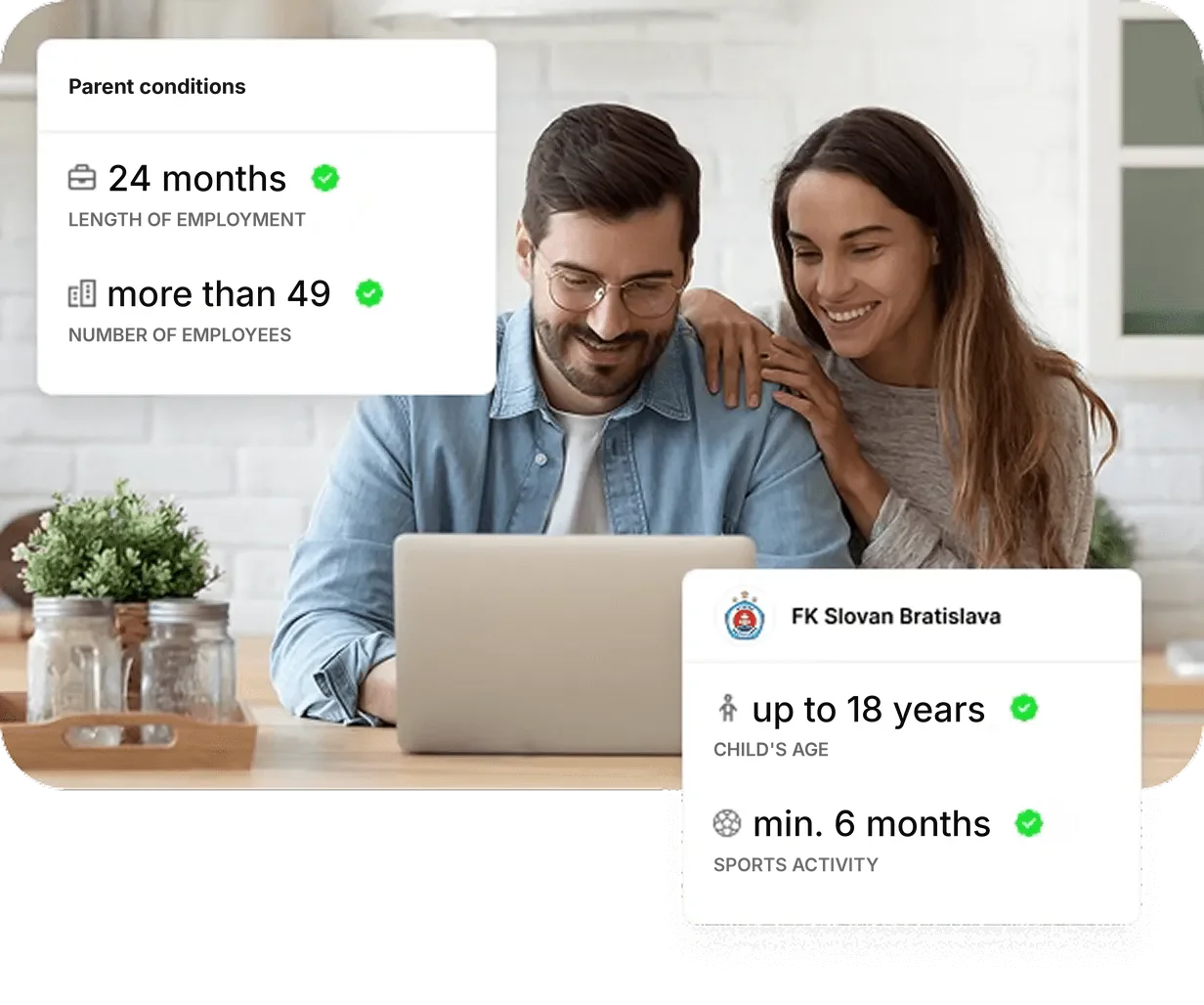
An employer who employs more than 49 employees is OBLIGED to provide the contribution to the employee if the conditions are met.

An employer who employs fewer than 49 employees MAY provide this contribution.

Length of employment

The employment relationship of the requesting employee with the employer must have lasted continuously for at least 24 months..

Child’s age

The child is younger than 18 years, or turned 18 at the latest in the year for which the contribution is requested.

Duration of sports activity

The child has been performing sports activity in the sports club for at least 6 months.

HOW IT WORKS

We have a solution for managers and parents

Thanks to Paysy, you do not have to issue hundreds of confirmations manually. Each child’s parent can generate everything they need themselves in a few clicks. However, to make this possible, you need to check two important pieces of information in your Paysy organisation profile.

1
Sign in to your profile in Paysy

Sign in to your profile here: https://paysy.app/ If you do not remember your login details, reset your password by clicking on “Forgot your password?”.

2
Click the “Documents for contribution” button

You can find the purple button in the top-right corner after logging into the system.

3
Fill in the employer details

Paysy is connected to public registers, so it is enough to start typing the company/employer name and the system will automatically fill in all required details for you.

4
Fill in your details as the legal guardian

Both parents can apply for the contribution, but not for the same period. For example, the mother can apply for the first half-year and the father for the second.

5
Choose the period for which you want the confirmation

The Paysy system will issue a confirmation for the selected period. Only payments made in the given calendar year are counted.

6
Select the child for whom you are requesting the contribution

If you have more children in the club, or another child attends a different club that uses Paysy, tick which child you are requesting the confirmation for.

7
Check the child’s name and the selected period once again

The Paysy system will issue a confirmation for the selected period. Only payments made in the given calendar year are counted.

8
Click Send

After clicking, your request will appear in the list of requests. By clicking on the PDF, your request will open. You can download it or print it.

club-how-to-hero

Stress-free automation

Thanks to Paysy, both parents and sports clubs save time – instead of lengthy manual processing of contributions for a child’s sports activity, the entire process is automated, transparent and stress-free for everyone involved.

93%

Time savings for the sports club

Thanks to automation, the sports club manager practically does not have to deal with this agenda at all.

99%

Time savings for the parent

The parent does not need to call anyone and ask for a confirmation, because they can generate it themselves after logging in, in just a few clicks.

FAQ

Answers to the most frequent questions about the contribution for a child’s sports activity from the perspective of both managers and parents. Hundreds of club managers and parents contact us every day with many questions. Together with experts, we try to answer them. If you cannot find an answer to your question, write to us.

Generating and obtaining the documents

You can generate the documents yourself, without having to ask your sports club for a confirmation.

The process is simple:

  1. Log in to your Paysy profile (paysy.app) or to the Paysy Member mobile app.
  2. Click Documents for contribution.
  3. Fill in your employer’s details and your personal details.
  4. Select the child, the required period and the specific payments you want to include in the documents.
  5. Click Send request.

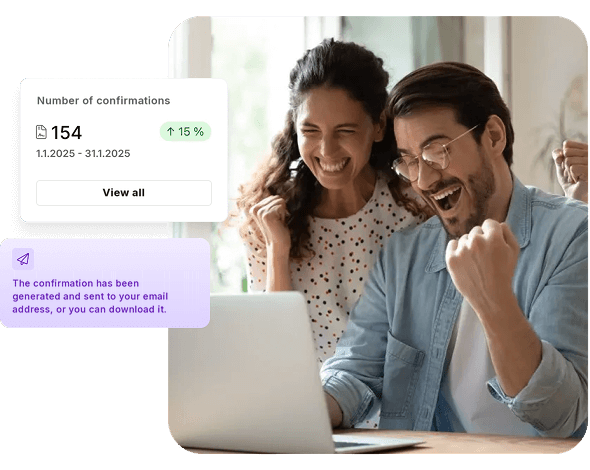
Paysy automatically generates a PDF document containing the contribution request, the confirmation from the sports club and a detailed breakdown of the payments made.

The confirmation already contains the sports club’s details, including its signature and stamp. You therefore do not need to visit the club in person or ask for the document to be signed or stamped.

The finished documents are sent to the e-mail address you enter when creating the request. You can also download them again at any time in your profile under Documents for contribution → All documents.

All documents you have already generated can be downloaded again in your Paysy profile or found in your e-mail.

You have three options:

  1. In the Paysy web version: Log in at paysy.app and in the left menu go to Documents for contribution → All documents. Here you will find a list of issued documents, which you can download in PDF format.
  2. In the Paysy Member mobile app: Open your profile and go to Sports contribution. At the top you will find two options – New request and Generated. Click Generated to find your already issued documents and download them again.
  3. In your e-mail: If you entered an e-mail address when creating the documents, Paysy automatically sent you a message with the subject “Document for the contribution for a child’s sports activity”. You will find the document in the attachment, or you can download it by clicking the Download document button.

Important: Paysy does not allow you to create a confirmation for the same period more than once. If you have already generated it, you need to find and download the original document.

If you have already made a payment but it is not shown when creating the documents, there may be several reasons:

  • The payment has not yet been recorded in Paysy. After payment, it may take a while for the payment to be credited to the sports club’s account and automatically matched.
  • The payment was not matched correctly. For example, if you entered an incorrect variable symbol when paying.
  • You paid the fees in advance. For example, if you paid the fees three months in advance, or in December 2025 for the year 2026, Paysy may temporarily record the money as member credit. When the next fee becomes due, the system automatically pays it from the credit. Only payments matched with specific payment requests are included in the documents.

What should I do if a payment is missing?

First, check the selected period and the status of your payments in Paysy. If you have paid but the payment still does not appear in the documents, contact your sports club. The club manages payment requests and payment records and can also check any credit on your member account.

If you have generated a confirmation and found incorrect data in it, contact your sports club directly.

An issued confirmation cannot be edited. However, the club manager can delete it, after which you can generate a new confirmation with the correct data yourself.

Why can’t I simply create another confirmation?

Paysy does not allow confirmations to be generated repeatedly for the same period. For example, if on 28 October you created a confirmation for the period from 1 January to 28 October, you can only create another one for the period from 29 October. If you need to correct the original confirmation, the club manager must delete it first.

Why can’t Paysy customer support delete the confirmation for me?

Look at the end of your confirmation. You will find the signature and stamp of your sports club there. The document is issued on behalf of the club, not Paysy.

Paysy provides a system for automatically creating documents, but without the sports club’s consent it cannot interfere with documents that the club issues and confirms with its signature and stamp.

So if you need to correct a confirmation, contact your sports club and ask for it to be deleted. Once the club manager does so, you will receive a notification by e-mail. You can then create a new confirmation with the correct data.

Yes. In Paysy, you can choose yourself which paid payments you want to include in the documents for the contribution for a child’s sports activity.

When creating the documents, you select the required period and mark the specific payments you want to include in the confirmation.

This option is useful, for example, when:

  • you want to split the expenses between both parents,
  • you need a confirmation only for a certain period or a specific amount,
  • you do not want to include payments for sports camps or training camps because you plan to claim them from your employer through the recreation contribution (recreation voucher).

You therefore do not need to contact the sports club and ask for the confirmation to be adjusted individually.

Documents and claiming the contribution

To claim the contribution for a child’s sports activity, you need two basic documents, which Paysy generates for you automatically:

1. Request for the contribution addressed to the employer

It contains your details, your employer’s details and the declarations required under Section 152b of the Labour Code. You do not need to look for a request template online or prepare it yourself. Paysy creates it automatically based on the data you enter.

2. Sports club confirmation of eligible expenses

It contains the sports organisation’s details, the child’s name, the date of the child’s registration in the club proving the six-month condition, the period of sports activity and an overview of the payments made.

The confirmation also contains the sports club’s signature and stamp, so you do not need to have it signed additionally.

You get both documents in one step directly in Paysy. They are sent to your e-mail and you can download them again from your profile at any time.

Do I also need a bank statement?

The confirmation from Paysy also contains a detailed breakdown of payments. However, some employers may require a separate proof of payment, such as a bank statement. Please check the specific requirements with your employer.
No, you do not have to generate the confirmation every month. In Paysy, you can create the documents for any period, for example for one month, half a year or a whole calendar year.

When creating the documents, you simply select the required period and the specific paid payments you want to include in the confirmation.

Important: Individual employers may have different requirements regarding the period for which they accept confirmations. Some prefer whole calendar months, others also accept summary confirmations for a longer period.

We therefore recommend checking with your employer in advance for which period you should submit the documents.

Please note: If you already have a confirmation issued for a certain period, Paysy will not allow you to create another one for the same period. If you need to change the original confirmation, ask your sports club to delete it and then generate a new one.

Yes, both parents can apply for the contribution for the sports activity of the same child, provided each of them meets the statutory conditions.

However, it is important that the same expense cannot be claimed twice.

Example: If you pay €1,000 a year for your child’s sports activity, one parent can claim expenses of €500 and the other parent the remaining €500. Each of them can thus receive a contribution of up to €275 from their employer.

How do you do this in Paysy?

When creating the documents, you can select the specific paid payments you want to include in the confirmation. Each parent can thus create documents for different payments without having to ask the sports club for an individual confirmation.

Each parent should check the conditions for granting the contribution with their own employer.

Yes, you can claim the contribution for sports activity for more than one child, provided each of them meets the statutory conditions.

However, the maximum contribution is €275 per year per employee, not per child.

Example: If you have two children and pay €300 a year for the sports activity of each of them, your total expenses are €600. Your employer can reimburse 55% of the eligible expenses, but no more than €275 for both children together.

How does it work in Paysy?

If your children attend sports clubs that use Paysy, you can generate the documents for each child directly in your profile, even if they attend different clubs.

If one of the sports clubs does not use Paysy, you need to ask that club directly to issue the confirmation.

Yes, some expenses for sports camps, training camps or sports equipment can also be eligible expenses if they meet the conditions of Section 152b of the Labour Code.

It is important that these are expenses related to the child’s sports activity provided by an eligible sports organisation. A separate purchase of sportswear or sports equipment in a shop is generally not considered an eligible expense.

How does it work in Paysy?

When creating the documents, you can select the specific paid payments you want to include in the confirmation.

For example, if you plan to claim the expenses for a sports camp through the recreation contribution (recreation voucher), you can leave this payment out of the sports activity confirmation.

You cannot have the same expense reimbursed twice, i.e. both through the contribution for a child’s sports activity and through the recreation contribution.

Whether a specific expense meets the statutory conditions is decided by the employer when assessing the submitted documents.

Sports organisation and payment requirements

Yes. Under Section 152b of the Labour Code, the sports organisation must be entered in the register of legal persons in sport, which is part of the Information System of Sport.

It must also provide the child’s sports activity under the supervision of a qualified sports professional.

How does it work in Paysy?

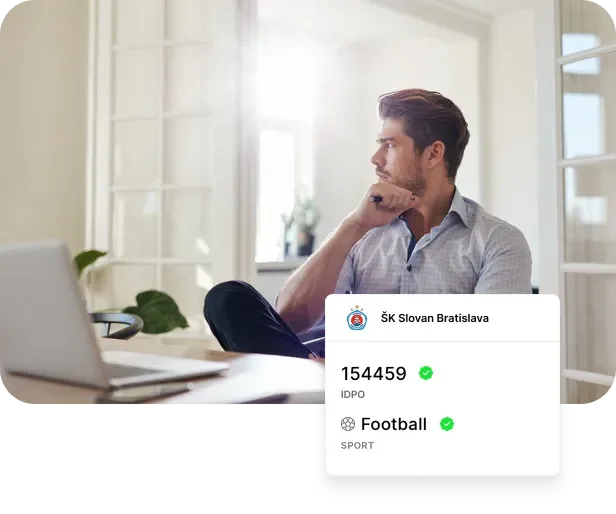
Every sports club must have its identifier of a legal person in sport (IDPO) filled in in its Paysy profile. This information is automatically stated on the confirmation for the employer.

Why won’t Paysy let me create a confirmation?

If the sports club does not have the IDPO filled in in its profile, Paysy will show you a warning that the confirmation cannot be created.

In that case, contact your sports club and ask it to add the IDPO to its Paysy profile. Once it has been added, you can generate the confirmation yourself.

Paysy customer support cannot fill in this information on behalf of the sports club.

Yes, the payment for a child’s sports activity does not have to be made exclusively from your own bank account.

According to the opinion of the Financial Administration of the Slovak Republic, expenses paid from the spouse’s account can also be recognised if the funds belong to the spouses’ joint marital property (BSM).

How does it work in Paysy?

When creating the documents, Paysy automatically lists the recorded payments, including payment details. For correctly matched bank transfers, the breakdown also states the account number from which the payment was sent.

If your employer requires an explanation or an additional document for a payment from your spouse’s account, contact the employer’s HR or payroll department directly.

Our references

“Since the very beginning of 2025, parents have been bombarding us with questions and requests for confirmations of paid contributions. Imagine dozens of parents who want a confirmation every month – without Paysy, it would be complete chaos! Thanks to Paysy, however, parents can handle everything themselves in just a few clicks. Club administration stays calm and we can focus on what is important – our athletes. Paysy constantly saves us time and energy, without unnecessary stress. I recommend it to every club that wants to keep its administration under control.”

Naša atletika
Ján Volko

Coach at Naša atletika and Slovak record holder

Naša atletika
Ján Volko

Coach at Naša atletika and Slovak record holder